The AI your skin downloads.
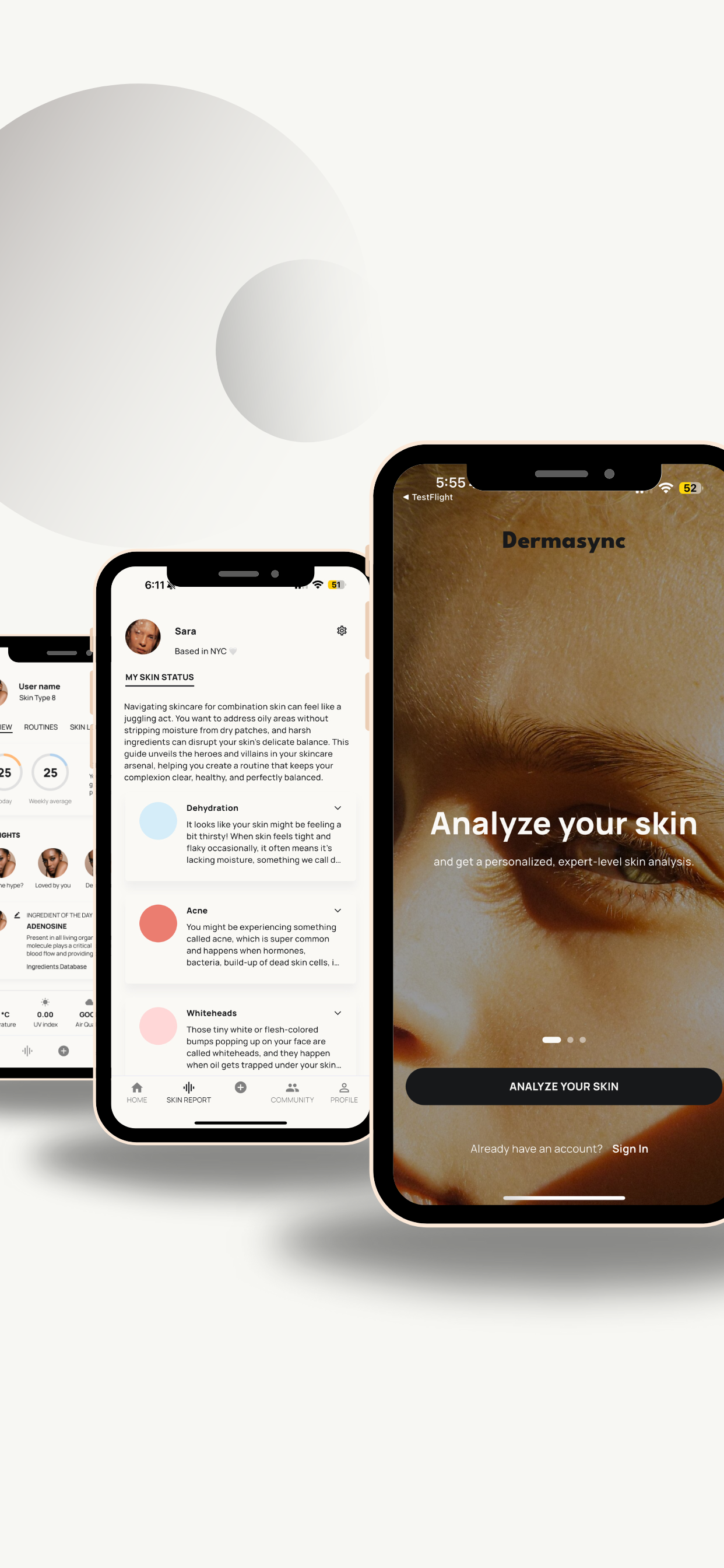
Analyze, track and manage your skin with Dermasync. The AI your skin has been waiting for.
FAQ
-
Complete the Skin Assessment Survey in the app by answering questions about your skin type, concerns, and routine.
Our AI-powered system will generate a personalized Skin Report based on your responses.
-
Go to Routines or click the “+” icon in the app.
Select “Add Routine” and start adding your products.
Track your daily skincare habits and monitor your progress over time.
-
Yes! You can update your routine at any time by adding or removing products.
-
Right now, you cannot update your skin assessment. We are working on it for the next app version.
-
✔ Make sure you’ve added at least one product to your AM or PM routine.
✔ Restart the app if changes aren’t saving properly. -
DermaSync is available on iOS devices running iOS 14.0 or later.
-
✔ Ensure you’ve fully completed the Skin Assessment Survey.
✔ Try restarting the app and checking your results again. -
✔ Go to Settings → Notifications → DermaSync and enable alerts.
✔ Ensure Do Not Disturb mode is turned off.
Still need help? Our support team is happy to assist! Contact us at hello@newstandardlabs.com. We aim to respond to all inquiries within 24-48 hours.